| Feature | Free | Pro |
|---|---|---|
| Read the card once, write to several drives at once | ||
| Re-read every copy and compare XXH64 | ||
| Green (safe to format) only after two verified copies | ||
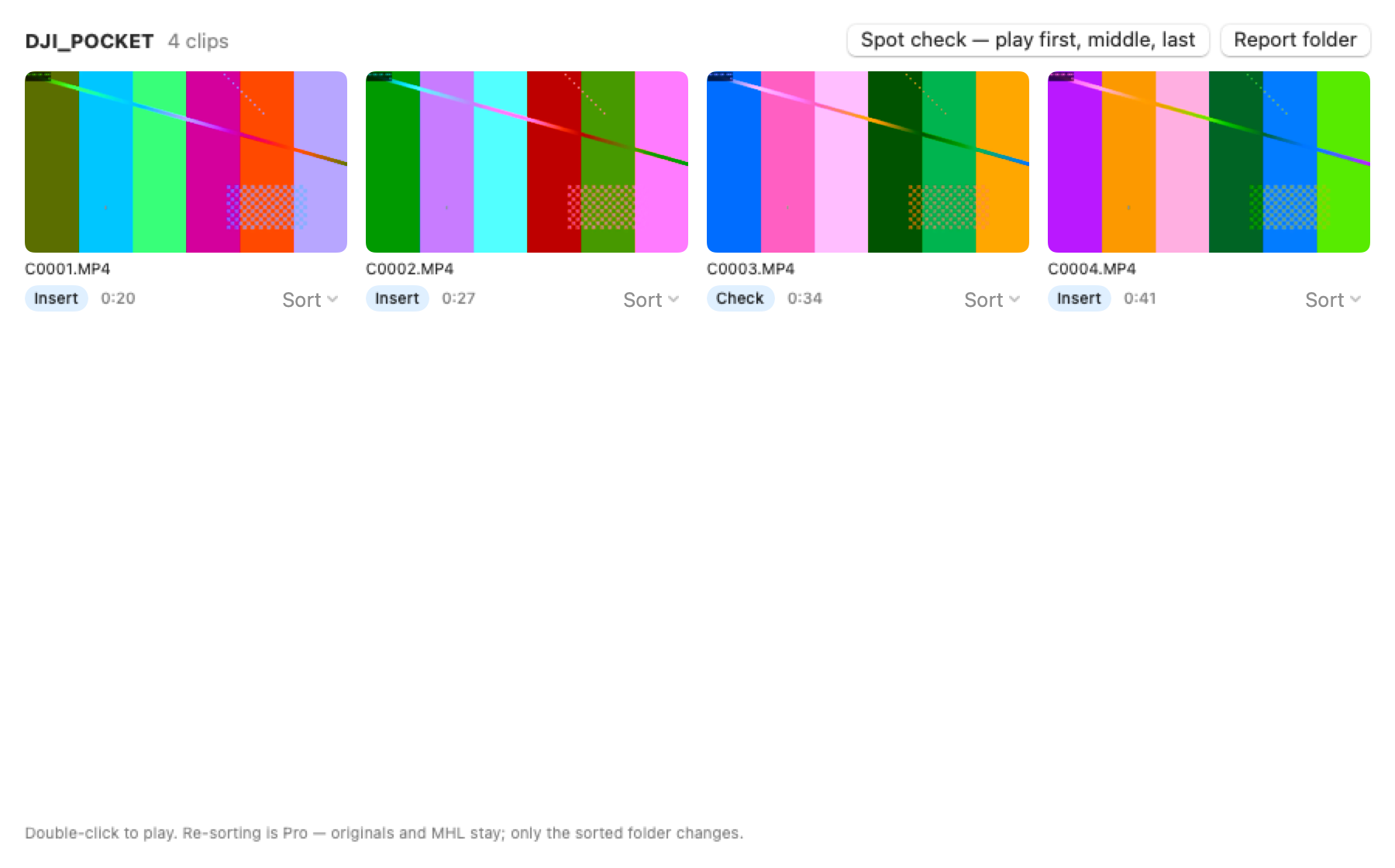
| Camera detection, session and category folders, sidecars kept | ||
| ASC MHL, CSV and PDF reports | ||
| Korean client-ready PDF (operator, card number, per camera) | ||
| Cascade copy to NAS | ||
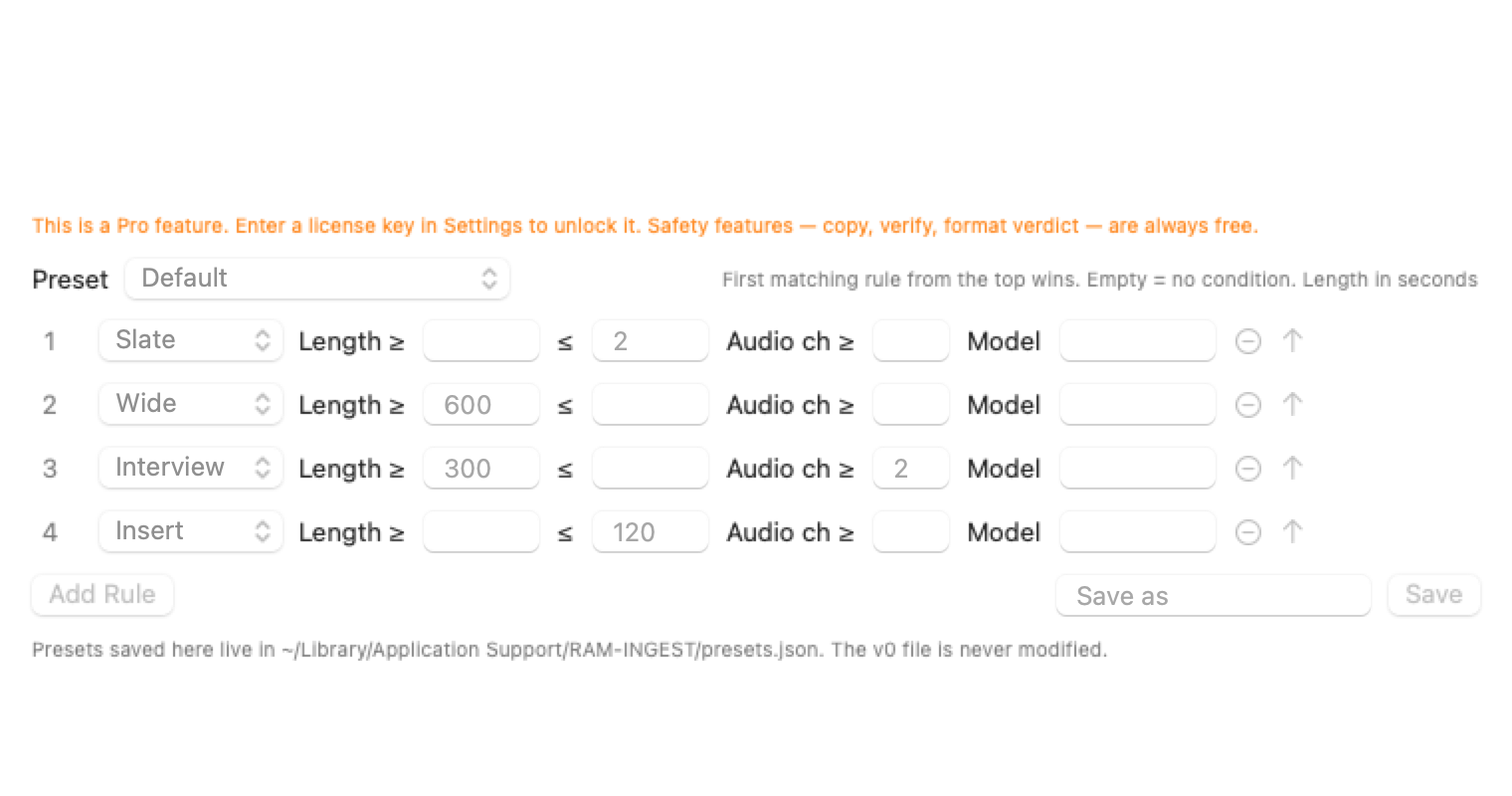
| Edit sorting rules | ||
| Reports with your company logo | ||
| Shareable project files | ||
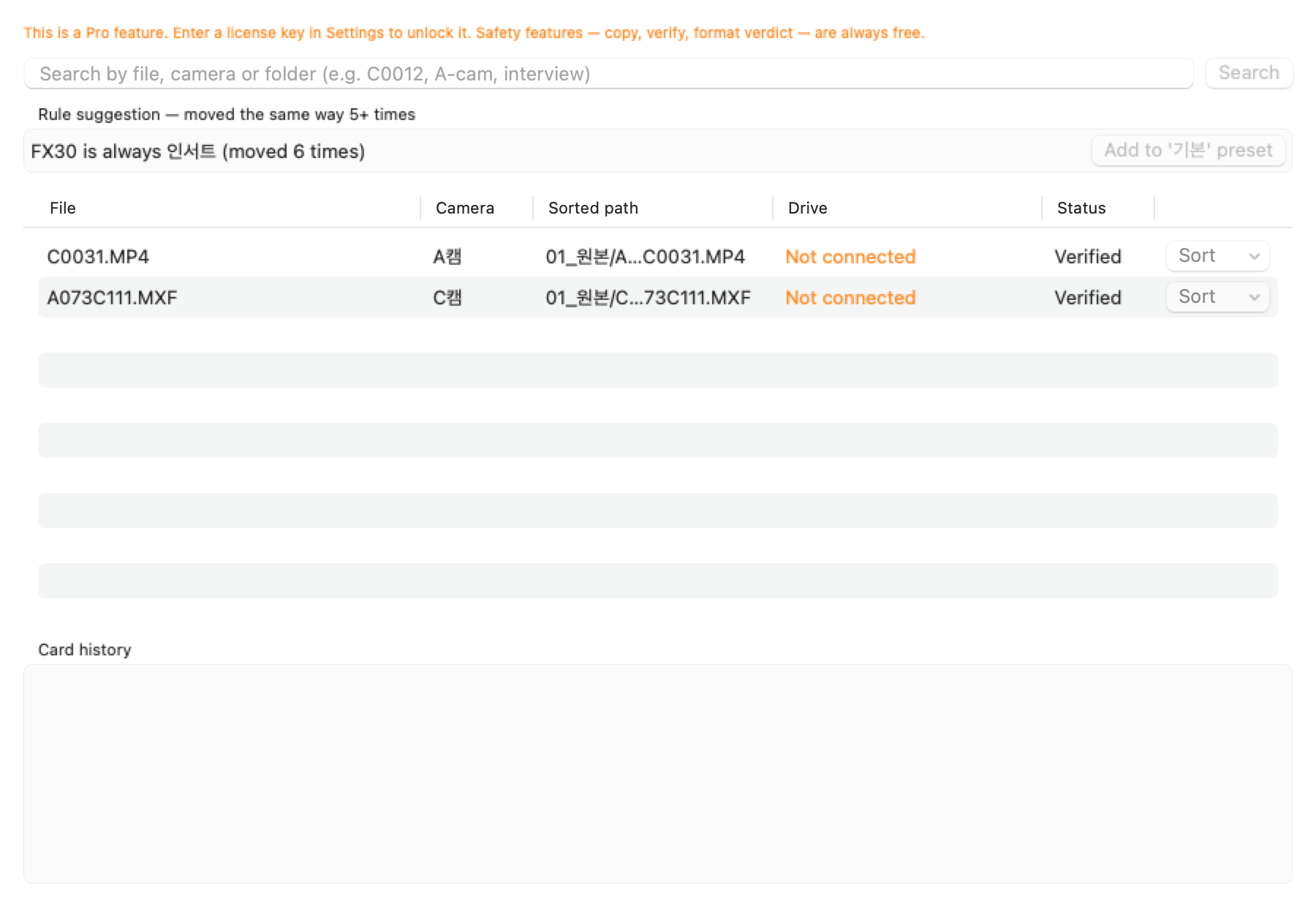
| Search and history | ||
| Webhooks | ||
| RAM-RECAP link |
MacPre-notarization build
RAM-INGEST
Copy the card to two drives, read every copy back, and only then call it safe to format.
A menu bar app for camera cards. It detects the camera, sorts clips into session folders without renaming anything, and writes ASC MHL, CSV and PDF reports. It never writes to the card.
- Requires
- macOS 14 Sonoma or later · Apple silicon · Intel
- Cameras
- Sony · Canon · Nikon · Panasonic · Fujifilm · Blackmagic · RED · DJI · GoPro · Insta360
HOW IT WORKS
How it works
- 1
Insert the card
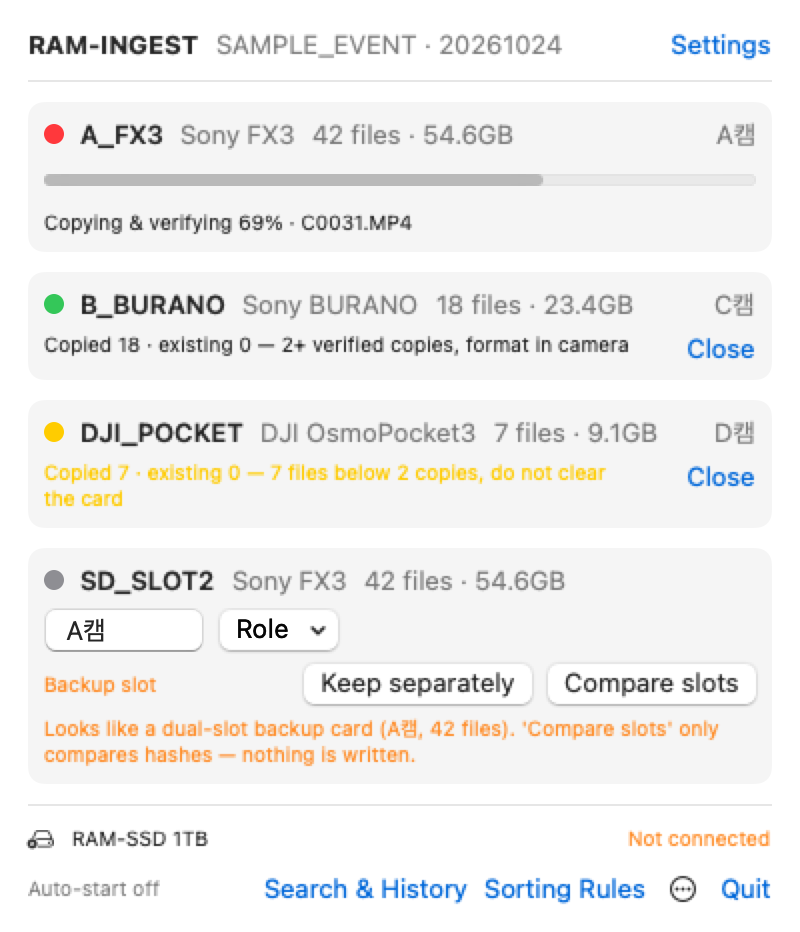
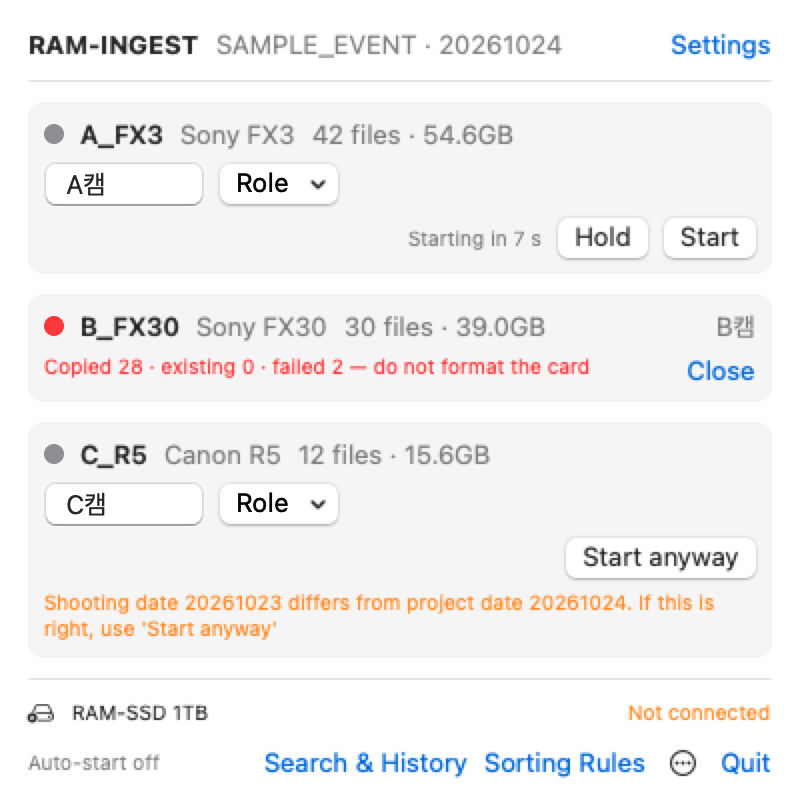
The camera model, file count and size appear next to the card. A-cam and B-cam names can be edited.
- 2
Start
The card is read once and written to several drives at the same time. With auto-start on, it begins by itself.
- 3
Read it back
Each copy is read again and finished only when its XXH64 matches.
- 4
Green means format
Two verified copies turn it green. The app ejects the card; format it in the camera.
- 5
Reports
ASC MHL, CSV and PDF reports are written to the reports folder.
macOS says the developer cannot be verified.
This build is not notarized by Apple yet. Open the DMG, drag RAM-INGEST into Applications and launch it once. When the warning appears, close it, then go to System Settings → Privacy & Security, click “Open Anyway” at the bottom and enter your password. You only do this once. Step-by-step for each macOS version: install and user guide.
Is the free version safe on its own?
Yes. Every safety feature is free: simultaneous copies, re-read verification, the safe-to-format check and MHL reports. Pro adds convenience: sorting, reporting and integrations.
Does Pro work without internet on set?
Yes. The license key is checked inside the app by its signature, so no connection is needed.
What happens after the one year of updates?
The version you have keeps all its features. Newer versions released after that need a renewal. Renewal pricing is not set yet.
How do I buy Pro?
For now Pro is sold by bank transfer in Korean won only. Email us and we will send the account details and your key.
Can I use it on more than one Mac?
Your key covers the number of Macs written in it. For more seats, contact us by email.
Can I get a refund?
Ask by email within 30 days of purchase and we refund it, no questions asked. Refunded keys are added to the revocation list and stop working in later updates.
Does it format cards?
No. The app never writes to the card and has no format feature. Clear cards in the camera.
Is there a Windows version?
No. RAM-INGEST is macOS only.
Other questions: stage@ramstudio.kr
₩39,000Buy Pro
Company 람스튜디오 · Representative 임하람 · Business reg. no. 880-09-01994 · 경기도 파주시 탄현면 갈현로29번길 238 · Tel 010-7737-0387